A bench to rest on: find benches with a backrest
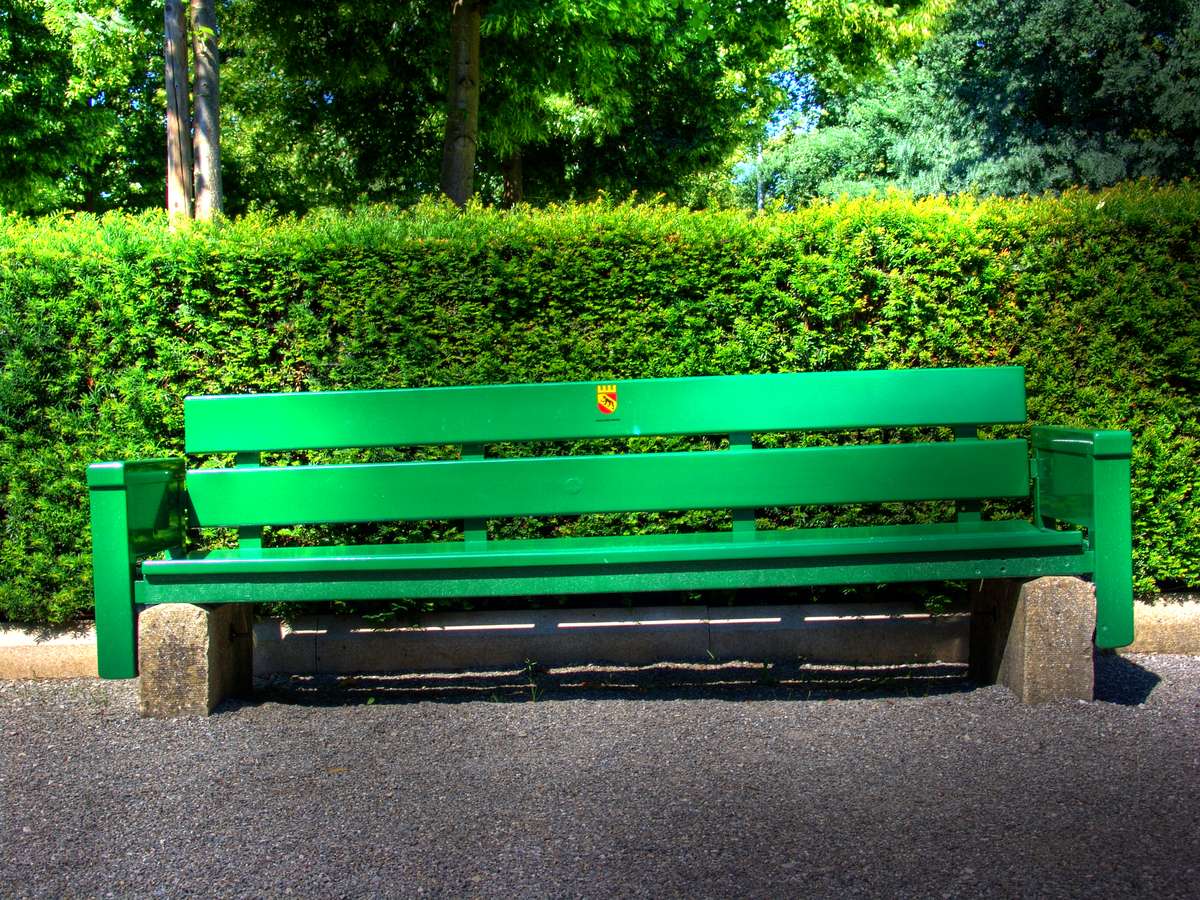
If you are 80, pregnant, injured or in pain, you often plan your route around benches. Sitzbank Bern answers the question a normal map leaves open: where can I sit down next?

How it works
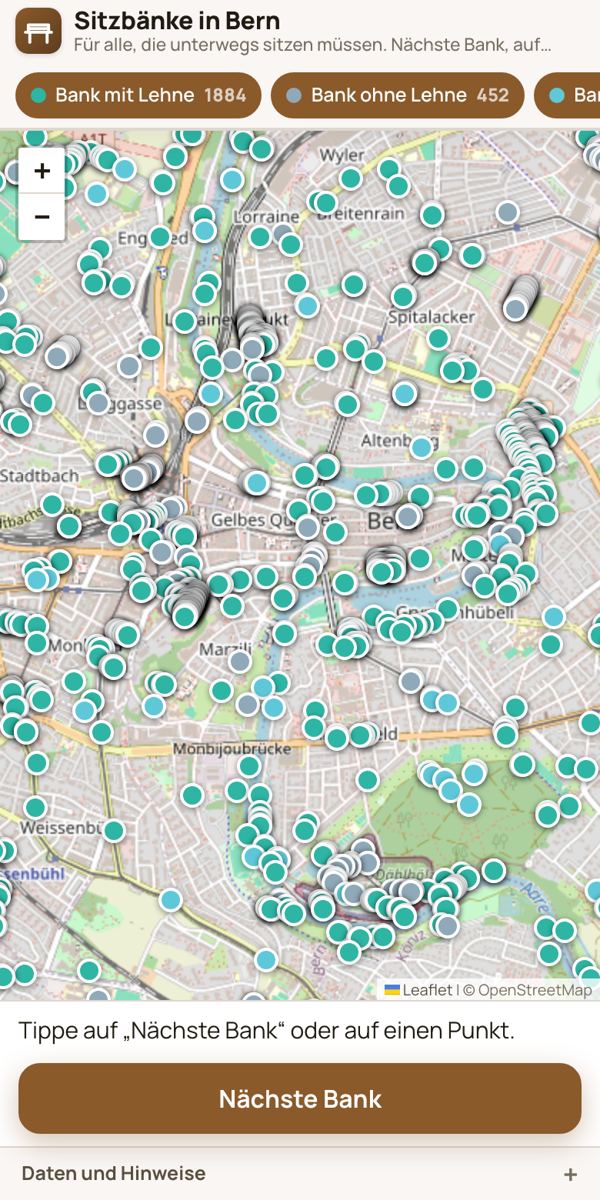
- At the top, hide what you do not need, for example all benches without a backrest.
- Tap “Nearest bench” (Nächste Bank). The app marks the nearest bench and shows the walking route with walking time.
- “Route” opens the route in Google Maps, “Route in OSM” opens it in OpenStreetMap.
With a backrest or without?
The map distinguishes between “bench with backrest”, “bench without backrest” and just “bench” when OpenStreetMap does not record whether there is a backrest. Where known, the bench window also shows the material, for example wood or stone, or that the bench is covered. If the app cannot work out a walking route, it shows the straight-line distance.
Name a bench
Any bench without a name can get one with 2 to 40 characters via “Name this bench” (Bank benennen). Everyone then sees the name. This makes the bench easier to describe and find again.
Where does the data come from?
The benches come from OpenStreetMap. The names people give to benches are stored by Bärn Kit in its own database. No tracking: only the routing service gets your location for the walking route. If a bench is missing or something is wrong, correct it directly in OpenStreetMap.
Also worth reading
Through Bern by wheelchair: find toilets and drinking fountainsArticleKühl & warmToolFree drinking water in BernArticleText: Richard Červenka, Bärn Kit. Found a mistake? Write to hallo@uebrig.ch.